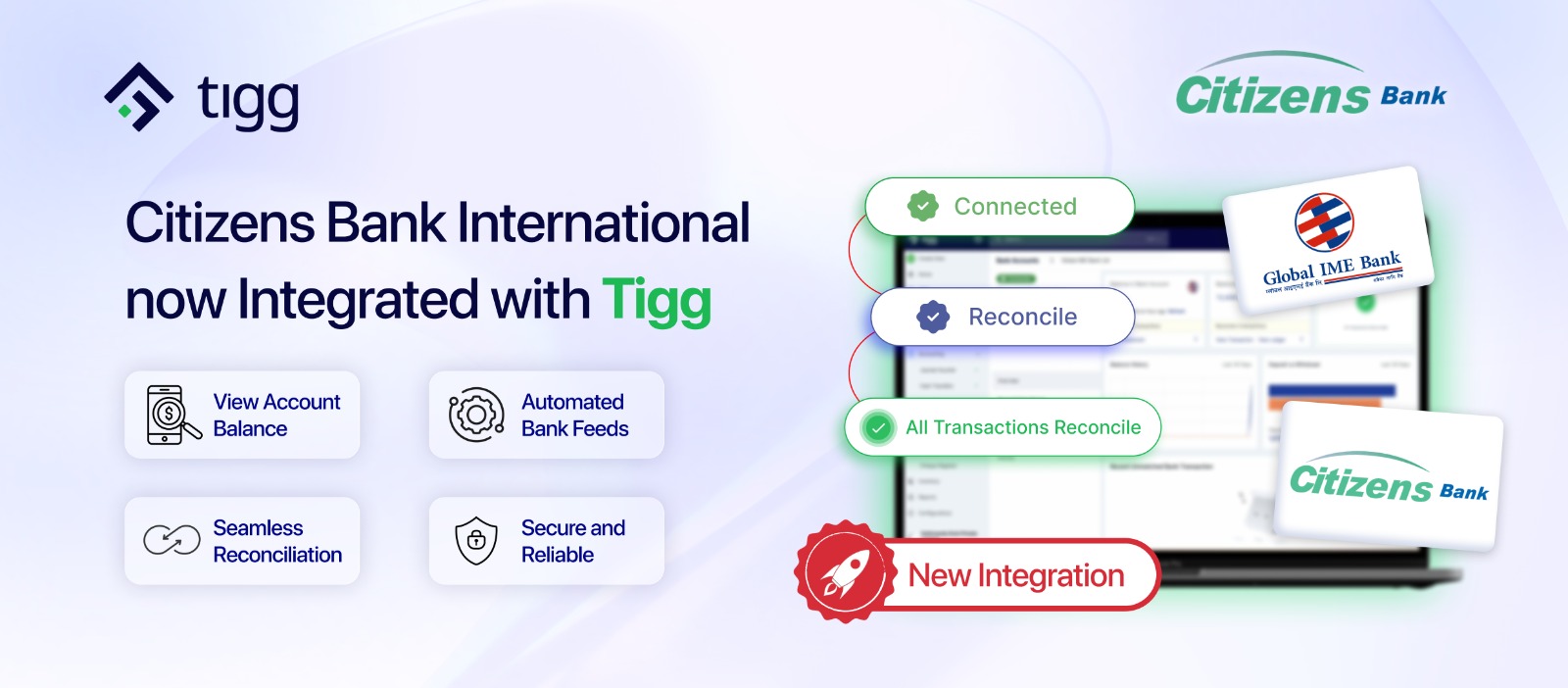
Following the successful integration with Global IME Bank, Tigg users can now connect their Citizens Bank International accounts directly within the platform and automatically sync bank statement transactions into the system.
As businesses increasingly operate across multiple banks, managing statements manually can become time-consuming and complex. Tigg’s growing bank integration ecosystem simplifies this process by bringing banking and accounting together into one centralized platform.
This expansion marks another important milestone in Tigg’s mission to build a more connected, efficient, and modern accounting ecosystem for businesses in Nepal.
With Citizens Bank now integrated into Tigg, businesses can automate the way they handle bank statements and reconciliation workflows.
Synced bank statements can be viewed directly within Tigg, allowing users to seamlessly match transactions with existing accounting records for faster and more accurate reconciliation.
Users can now:
By automating transaction syncing and reconciliation, businesses can improve operational efficiency while maintaining cleaner and more accurate financial data.
Follow these simple steps to connect your Citizens Bank account with Tigg:
With Citizens Bank now part of Tigg’s expanding bank feed network, businesses can move away from manual processes and adopt a more automated, efficient, and modern accounting workflow.
Connect your Citizens Bank account with Tigg today and discover a faster, more accurate, and more efficient way to manage your finances.
For more details contact us at 9801236609