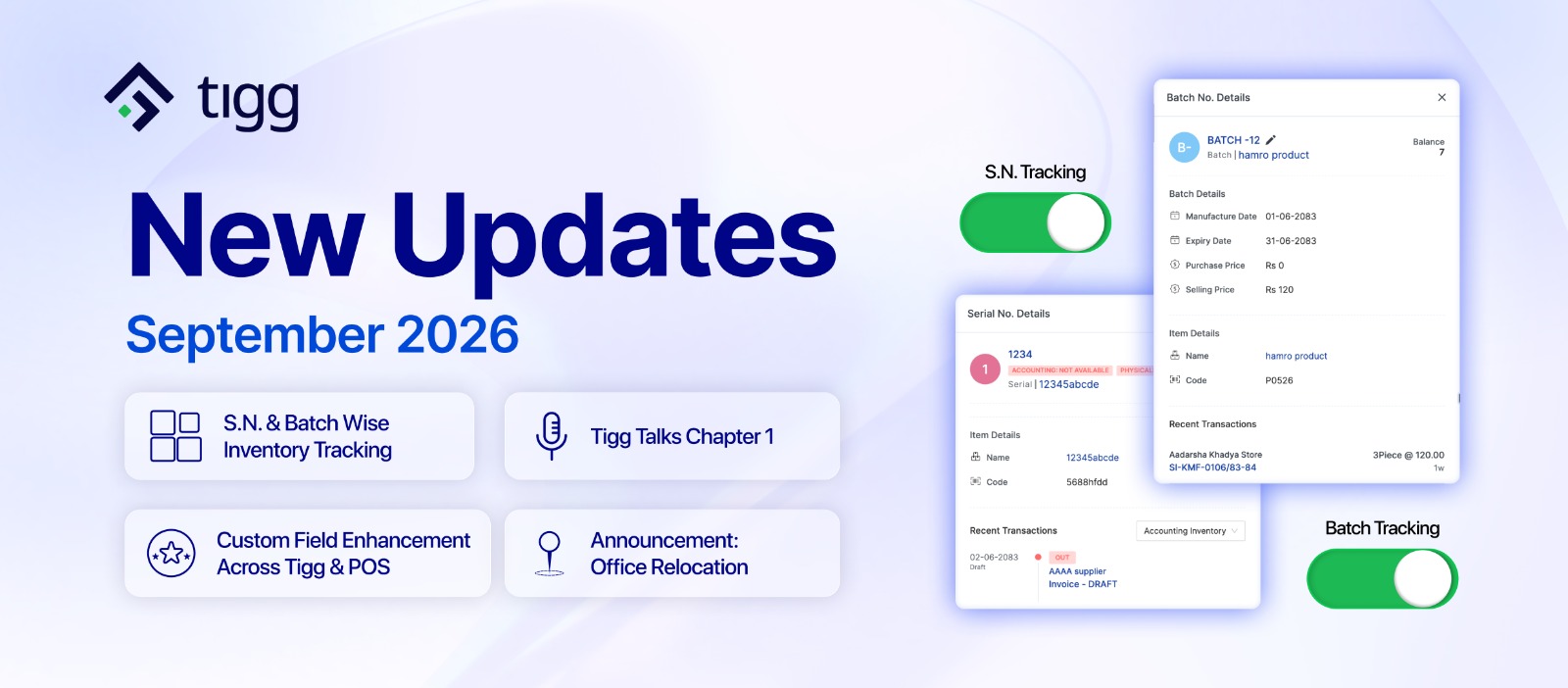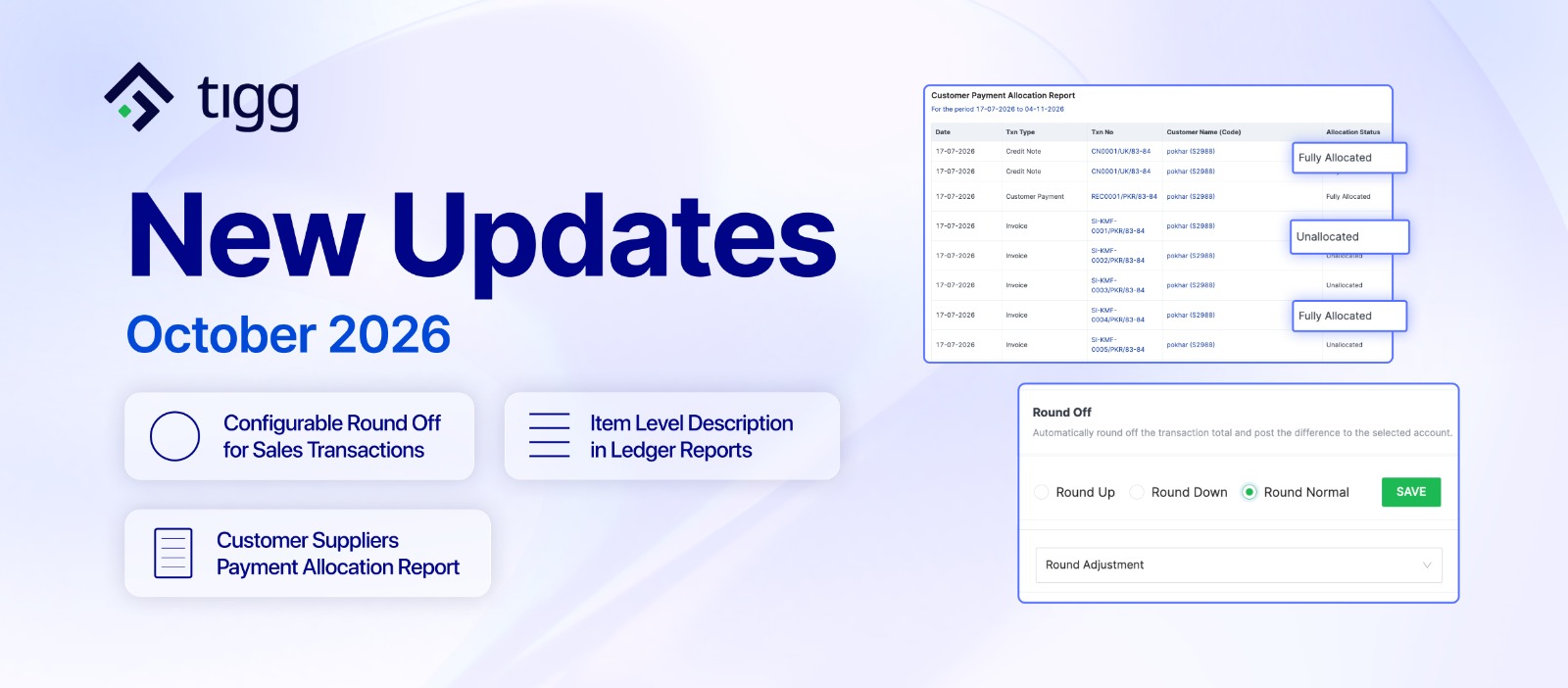
October brings several key updates to Tigg. New Configurable Round Off for Sales Transactions keeps invoice totals clean while recording every rounding difference in the right ledger, and the new Customer Suppliers Payment Allocation Report shows exactly how customer and supplier payments, credit notes, and debit notes are applied against invoices. Alongside these, Ledger Reports now display item level descriptions for a clearer view of each transaction,
Together, these updates help businesses close their books with cleaner numbers, reconcile customer and supplier accounts with confidence, and spend less time opening individual transactions to understand their reports.
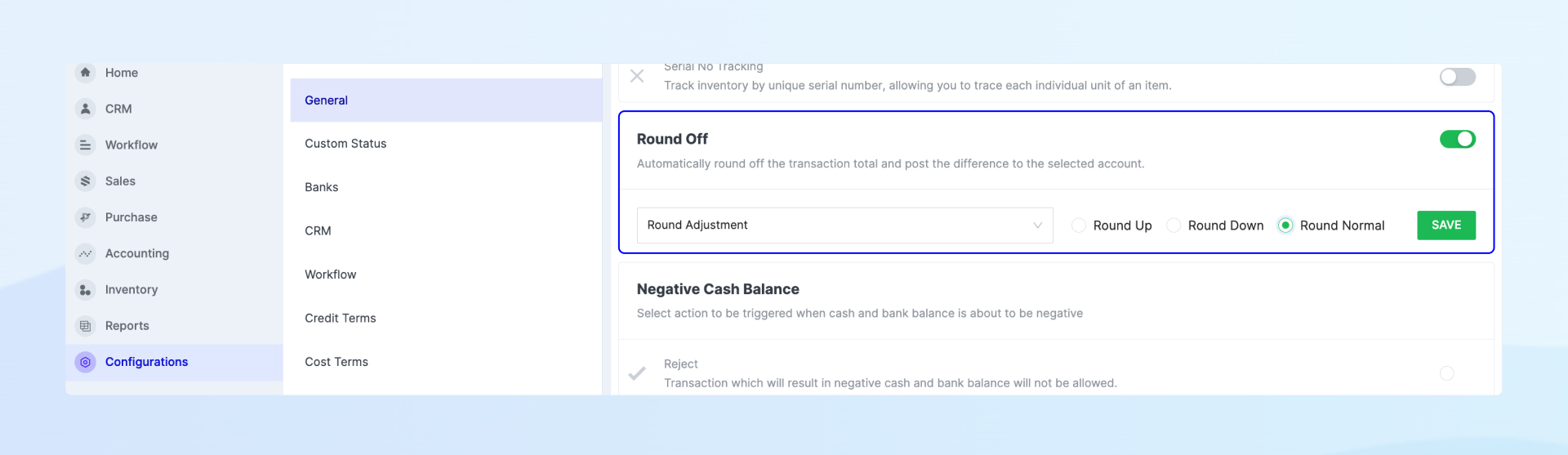
Tigg has introduced Round Off in the Sales module, which automatically rounds the total on sales transactions and posts the difference to a ledger of your choice. You can choose to Round Up, Round Down, or Round Normal depending on how you prefer to handle totals, so there is no need to adjust invoice amounts manually.
This is especially useful for retailers, wholesalers, and service businesses that issue a high volume of sales invoices with fractional totals and want customers to see clean, whole figures on every invoice.
Because every rounding difference is posted to a ledger you select, invoice totals stay tidy while the adjustment remains fully visible in your books. Round Off gives businesses a simpler way to manage rounded sales totals while keeping transactions clean and financial records accurate.
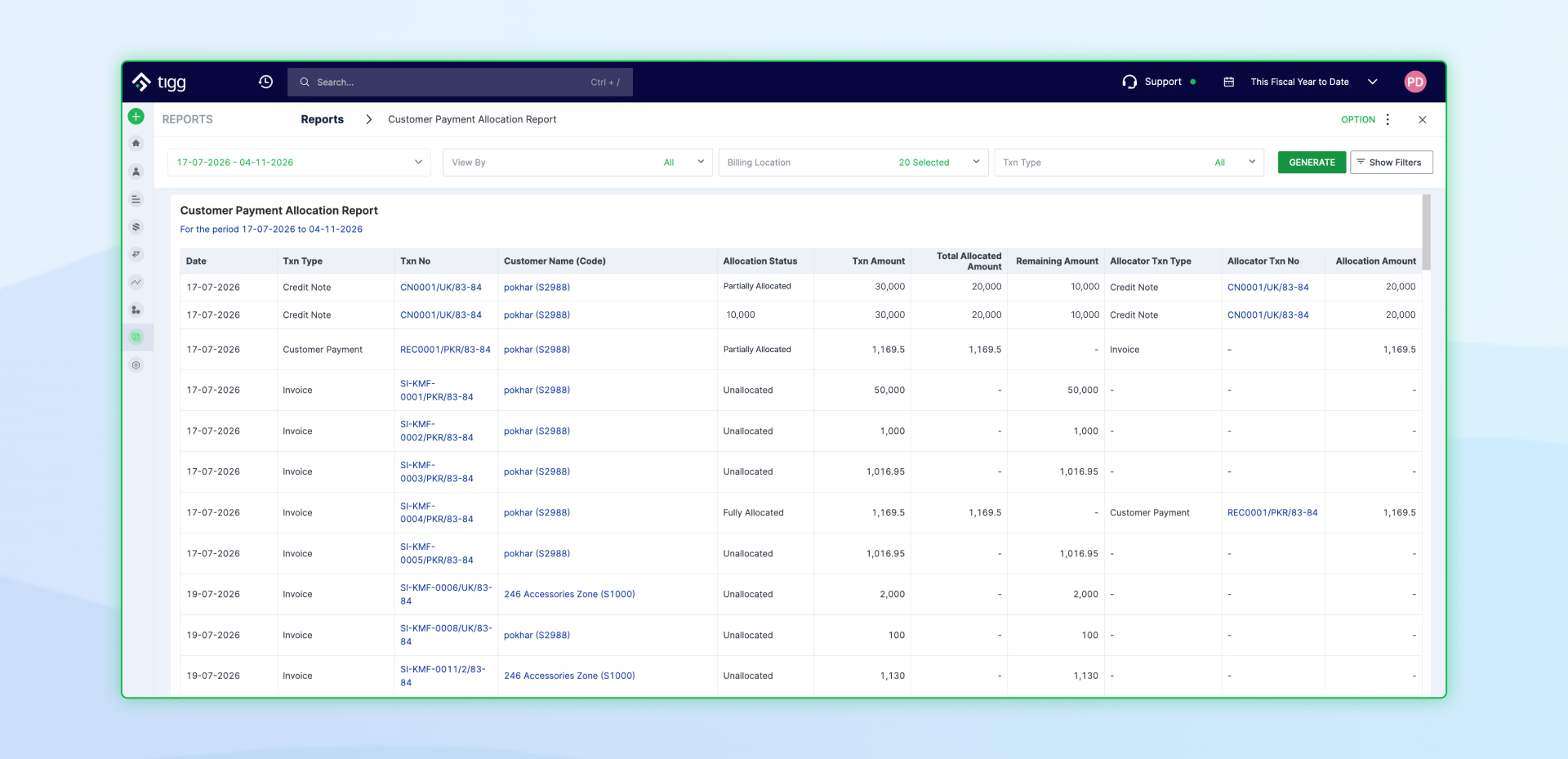
Tigg has introduced the Customer Suppliers Payment Allocation Report, which shows how customer payments and credit notes are allocated against sales invoices, and how supplier payments and debit notes are allocated against purchase invoices, over a selected period. The report lists each invoice and payment with its date, transaction number, and customer or supplier, and marks it as Fully Allocated, Partially Allocated, or Unallocated. Alongside the status, you can see the original transaction amount, the total amount allocated so far, the remaining unallocated amount, and the type and number of the transaction it has been allocated against.
This report is built for businesses that manage a large number of customer and supplier invoices and receive or make payments in parts, on account, or through credit and debit notes, where it can be difficult to see at a glance which invoices have actually been settled and which receipts or supplier payments are still sitting unapplied.
Because every row links directly to the invoice, receipt, or supplier payment it refers to, you can move from the report to the underlying transaction in a single click. With this report, businesses can track outstanding balances more easily, catch unallocated payments and partially settled invoices before they cause confusion, and reconcile customer and supplier accounts with greater confidence.
This update also brings enhancements and fixes to reports, product creation, and compliance reporting, making everyday work clearer and more reliable.
Ledger reports for Accounts, Customers, and Suppliers now show the item level description whenever one is available on the transaction.
This gives you a clearer view of what each entry was for directly in the report, without having to open the transaction to check the details.
For businesses reviewing ledgers regularly, this makes reconciliation and account review faster and more convenient.
We have fixed the Contact Type filter in the Annex 13 Report so that results are now filtered correctly by the contact type you select.
This makes the Annex 13 Report more accurate and easier to use for businesses that rely on it for their compliance reporting.
At Tigg, we remain committed to continuously enhancing our platform to help businesses streamline operations, improve accuracy, and work more efficiently.